Canva has added two settings that let Free and Pro users decide how much generative AI they meet in the design app. Announced on 19 November 2026, both are free and can be switched on or off at any time.
“the future of creativity isn’t a choice between AI and no AI.”
Canva, in its announcement, as quoted by 9to5Mac · 9to5mac.com ↗
The first is a master switch, labelled "Enable generative AI features", in the permissions section under the profile tab. The second, in the AI personalization section of Your Account, reduces how many AI-made items appear in library search and in template and design-element suggestions. It only lowers the odds; Canva does not promise to block such content.
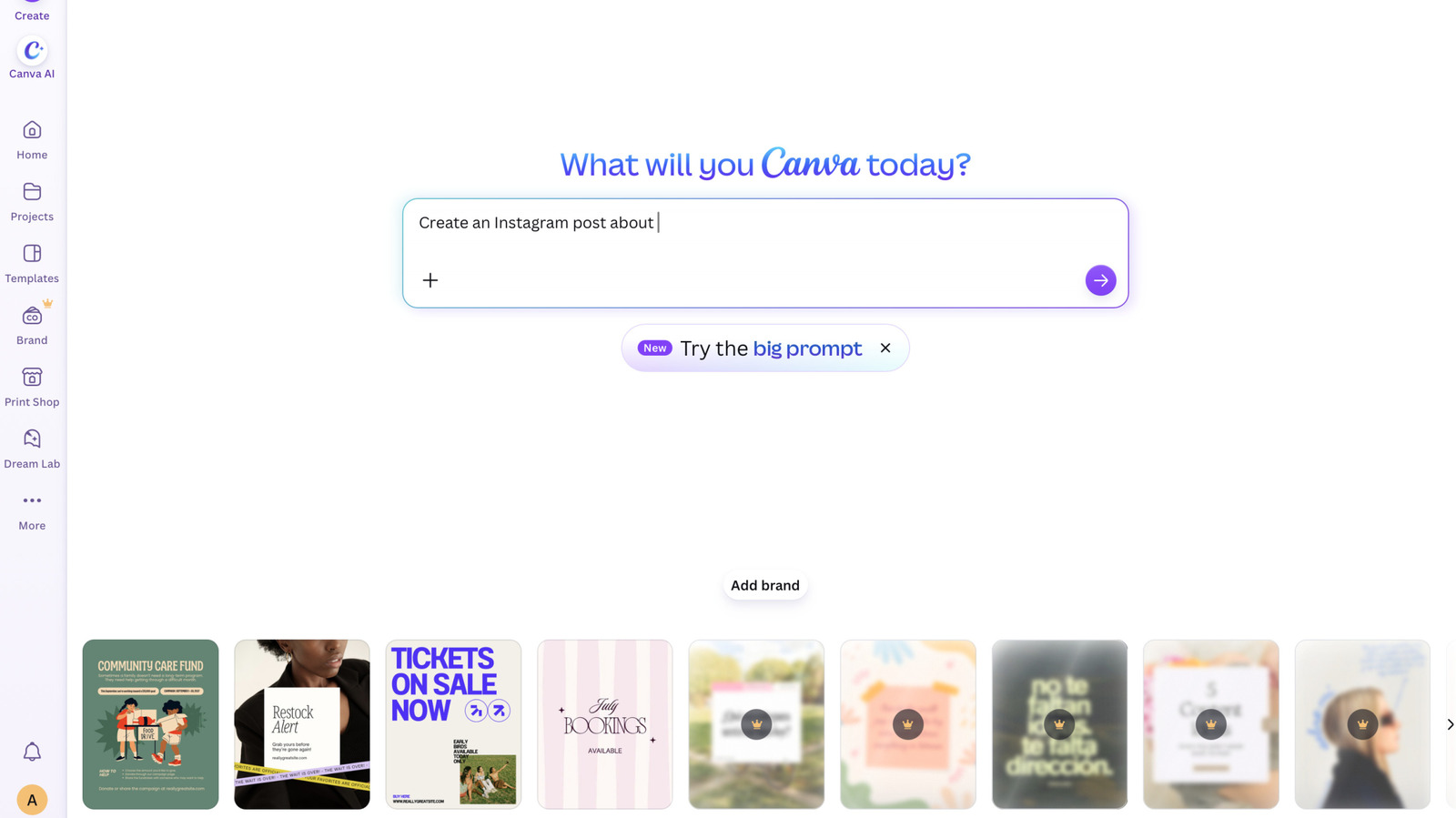
Canva lead image used by Engadget for the story on switching off generative AI
Canva · Image: Engadget
Switching generative AI off does not remove everything. Background Remover and Magic Grab keep working because they act on content already in a design, and they add no AI tag to its metadata. Canva says only a small part of its library is AI-generated by the company, such as abstract backgrounds and illustrated graphics.
About Canva
Canva is a freemium online design platform founded in Perth, Australia, by Melanie Perkins, Cliff Obrecht and Cameron Adams on 1 January 2013. By the end of 2025 it reported more than 265 million monthly active users and more than 31 million paid users.
Its move into generative AI began in December 2022 with Magic Write, an AI copywriting assistant. In August 2024 it acquired the AI image-generation startup Leonardo AI, and in October 2025 it introduced a design model that generates layouts with separately editable layers, alongside a relaunch of Affinity as a free unified app.
The company says it is not its place to tell anyone how to create, and that users wanted an easier way to find assets made by real people. Admins of team and enterprise accounts already had AI permissions; individuals now get comparable choice.
Sources · 2
Comments